Here’s a frustrating truth about picking a WordPress theme: there are thousands of free ones, and most of them are either bloated, abandoned, or quietly pushing you toward a paid upgrade you didn’t ask for.
The good news? A handful of the best free WordPress themes in 2026 are genuinely excellent. Fast, flexible, mobile-ready, and built to work with the block editor instead of fighting it. You don’t need to spend a cent to get a site that loads quickly and looks professional.
I’ve narrowed the field down to ten of the best free WordPress themes worth your time this year, with a note on who each one is actually best for. If you already have one in mind, skip ahead. If not, start at the top, the first few are the safest all-round picks.
New to this? Once you’ve chosen, our guide on how to install a WordPress theme walks you through setup in about five minutes.
What Makes the Best Free WordPress Themes Stand Out
Before the list, here’s the quick checklist I used. A theme earns its spot if it’s:
- Lightweight. Small file size and clean code mean faster load times, which Google rewards and visitors appreciate. (If your current site feels slow, our guide on speeding up a free WordPress theme helps.)
- Block-editor ready. Full Site Editing is the standard now, so you can style headers, footers, and layouts visually without code.
- Mobile-first. More than half your traffic is on a phone, so responsive design isn’t optional. Here’s how to make a theme mobile-friendly if yours needs work.
- Actively maintained. A theme that hasn’t been updated in two years is a security risk, not a bargain.
- Genuinely usable for free. Every theme here works out of the box without forcing a paid plan.
Keep those in mind and you’ll rarely go wrong, even with themes outside this list.
1. Astra
Astra is the closest thing to a safe default in 2026. It’s extremely lightweight, with a base size under 50KB, which translates to fast load times right out of the gate. It works with every major page builder and plays nicely with SEO plugins like Yoast and Rank Math.
Best for: Just about anyone. Blogs, business sites, portfolios, and online stores all work well here.
2. GeneratePress
If raw speed and clean code are your priority, GeneratePress is a favorite among developers and serious bloggers for a reason. With over 600,000 active installs, it has a huge community and a reputation for stability. The free version is intentionally minimal, but that’s the point, you add only what you need.
Best for: Speed-obsessed users who want a rock-solid, no-bloat foundation.
3. Kadence
Kadence has quietly become one of the most complete free themes available. It pairs with the free Kadence Blocks plugin to give you serious design power, plus a library of starter templates you can import in one click.
Best for: Beginners who want a polished site fast, and WooCommerce stores.
4. Neve
Neve is fast, beginner-friendly, and comes with over 100 starter sites in the free version. You customize most of it right in the WordPress Customizer, so it’s approachable even if you’ve never built a site before.
Best for: People who want page-builder-level control without installing a page builder.
5. Blocksy
Blocksy is one of the fastest-growing free themes going into 2026, and it’s easy to see why. It loads in a blink, offers a genuinely impressive header and footer builder in the free version, and has strong WooCommerce features baked in.
Best for: Modern business sites that want to look premium without paying upfront.
6. Twenty Twenty-Five
Don’t overlook the default. Twenty Twenty-Five ships with recent versions of WordPress and is built entirely around Full Site Editing. It’s clean, typography-focused, and guaranteed to stay compatible with the latest WordPress releases.
Best for: Bloggers and writers who want an elegant, distraction-free site with zero fuss.
7. Zakra
Zakra is a versatile all-rounder with more than 80 starter sites covering different industries. It’s lightweight, works with all the popular page builders, and lets you launch a professional-looking site quickly.
Best for: Freelancers and agencies who build sites for clients and want a fast starting point.
8. Spectra One
Spectra One is a newer block-based theme built for Full Site Editing fans. It leans into modern design with generous whitespace and thoughtful defaults, so your site looks considered even before you touch it.
Best for: Users who want a stylish, block-first theme and enjoy designing visually.
9. Hestia
Hestia offers a clean, one-page-friendly layout that suits small businesses and startups. It’s material-design inspired, works with popular builders, and gives you an attractive homepage layout without much effort.
Best for: Small businesses and startups wanting a modern single-page site.
10. OceanWP
OceanWP is a longtime favorite for a reason: it’s flexible, deeply customizable, and comes with a range of free demo sites. It’s a little heavier than the minimalist options above, but you get a lot of features in return.
Best for: Users who want maximum flexibility and don’t mind a few extra settings to explore.
More Focused Roundups
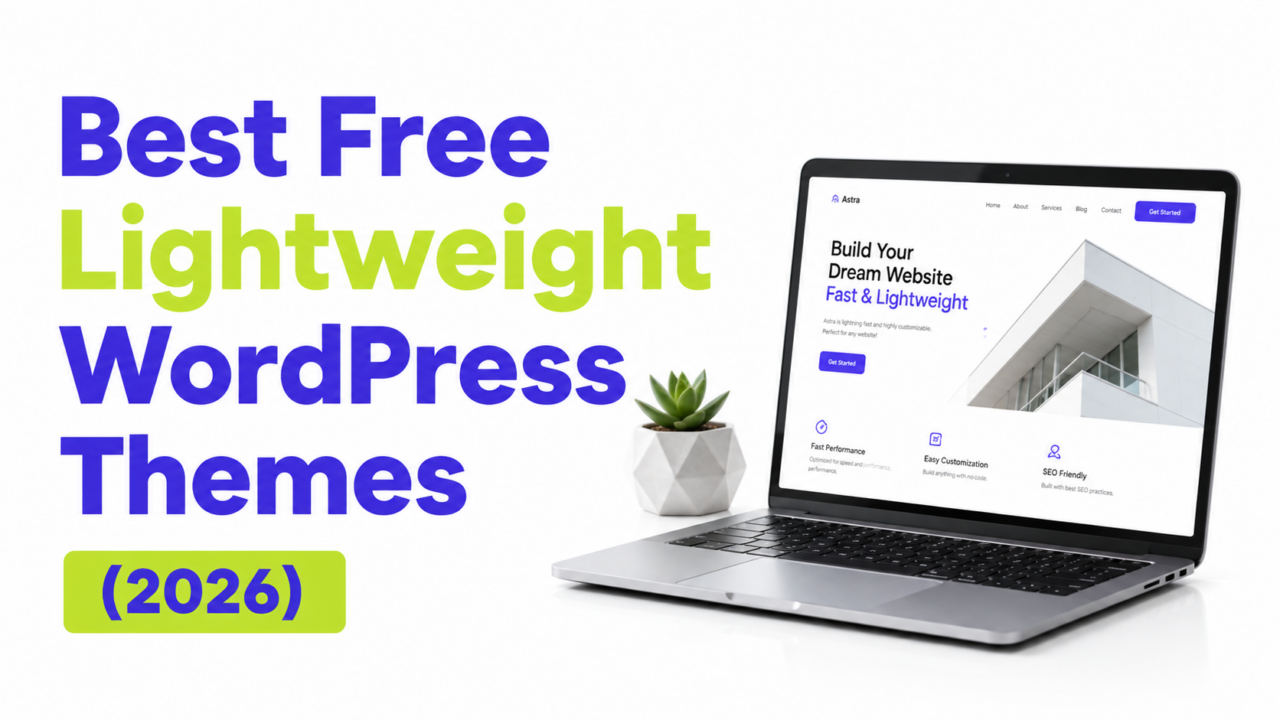
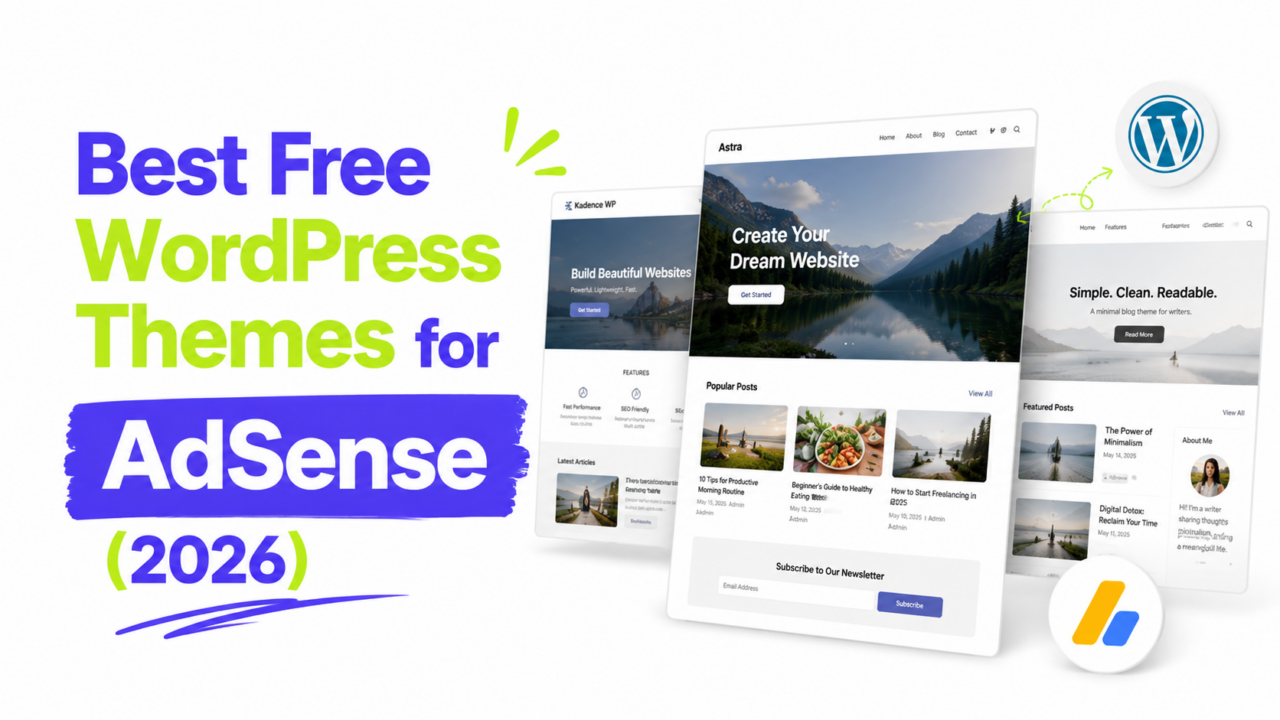
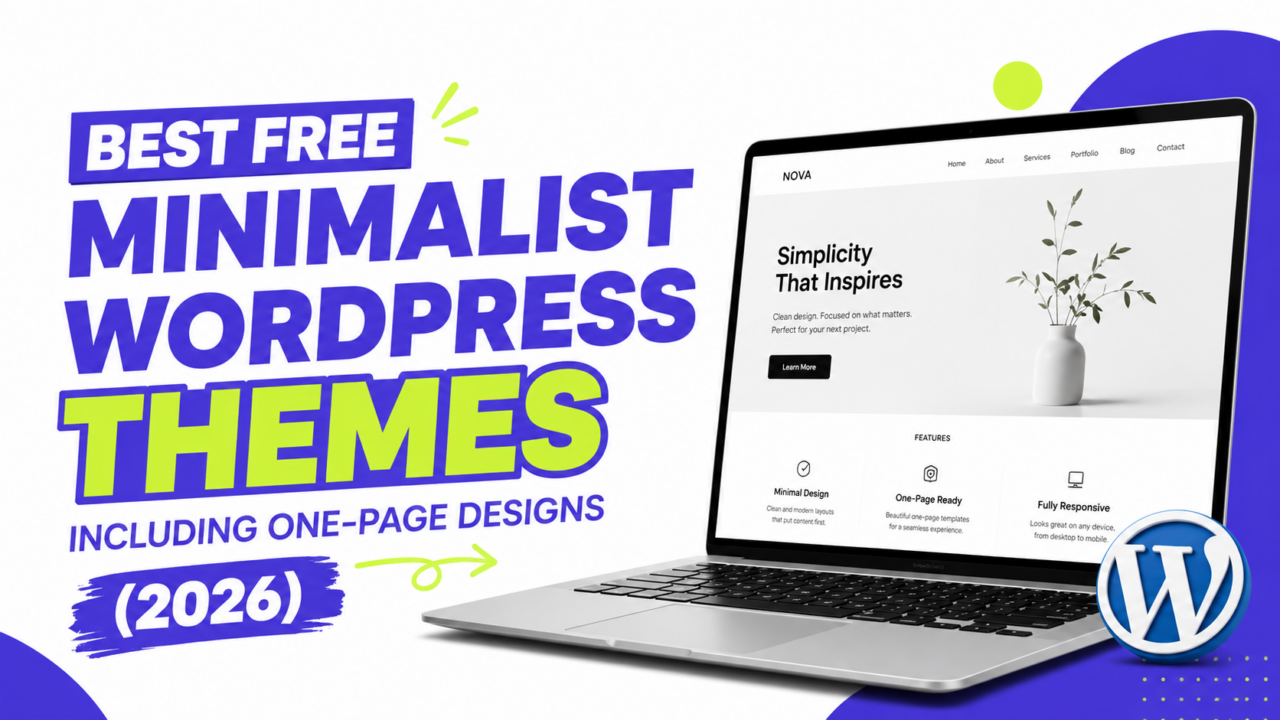
Want picks tailored to a specific goal? We have dedicated guides for the best free themes for blogs, the best free lightweight themes for speed, and the best free themes for AdSense. Torn between free and paid? Our free vs premium themes comparison helps, for marketing pages see the best free landing page themes, and creatives should check our best free portfolio themes. Not sure what to look for at all? Our checklist for choosing the right theme walks through it step by step.
And once you’ve chosen a theme, you don’t have to design every page yourself. At ThemePocket we share completely free templates, no cost, no catch, from full landing pages and ready-made sites to individual sections you can mix and match. Pair any theme above with one of our templates, like our free SaaS pricing table template, and you’ll have a finished-looking site far faster.
How to Choose the Right One for You
Ten options can feel like a lot, so here’s the shortcut. Pick based on your goal, not on features you might use someday.
- Just want speed and simplicity? Go with Astra or GeneratePress.
- Want a polished site fast, with room to grow? Kadence or Blocksy.
- Building a pure blog? Twenty Twenty-Five or Neve.
- Making sites for clients? Zakra or OceanWP.
And don’t agonize over it. Themes are one of the easiest things to change later, since switching themes doesn’t delete your content. If your first pick doesn’t click, you can swap it in minutes.
One tip before you commit: always back up your site before changing themes, especially if you already have content live. A free plugin like UpdraftPlus handles it in a couple of clicks.
A Few Common Questions
1. Are free WordPress themes safe to use? Yes, as long as you get them from the official WordPress.org theme directory, where every theme is reviewed before listing. Stick to that source and you’re on solid ground.
2. Will a free theme hurt my SEO? Not at all. Every theme on this list is lightweight and clean-coded, which actually helps your SEO by loading faster. Your content and site structure matter far more than whether the theme is free or paid.
3. What’s the catch with free themes? Most free themes offer a paid “Pro” version with extra features. You’re never forced to upgrade, though, the free versions here are fully functional on their own.
4. Can I switch themes later without losing my posts? Yes. Your posts and pages live in the database, separate from your theme, so changing themes only changes the look. You may need to reset your menus and widgets afterward.
Your Next Theme Awaits
You genuinely don’t need to pay when the best free WordPress themes build a fast, professional site in 2026. If you want a single recommendation to stop the scrolling: Astra for its all-round balance, or Kadence if you want more design power out of the box.
Whichever you choose, the theme is just the starting point. Once it’s live, the next step is making it your own, and our guide on how to customize a free WordPress theme without coding shows you exactly how, no code required.