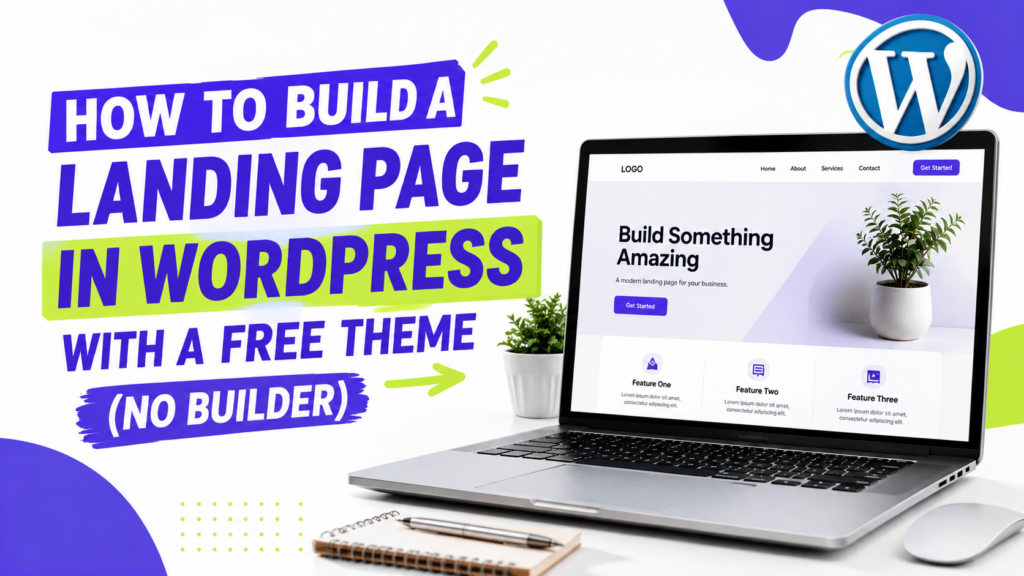
You can build a landing page in WordPress without paying for a page builder.
Create a new page, use the block editor to add the main sections, keep the page focused on one goal, then test everything before you publish.
For a simple landing page, I would start with four things: a clear headline, the main benefit, some proof, and one primary call to action.
1. Create a new page
In your WordPress dashboard, go to:
Pages → Add New
Give the page a name, then check the Template setting in the page sidebar.
Depending on your theme, you may have a full-width or landing-page template that gives the content more room and removes elements you do not need.
If you use a block theme, you may also be able to edit or create page templates with blocks.
For a focused landing page, I usually keep the layout simple and remove distractions that do not help the visitor take the main action.
2. Build the page with blocks and patterns
You do not need Elementor or another page builder for a basic landing page.
The WordPress block editor already gives you blocks for headings, images, buttons, columns, groups, covers, and other common page elements.
Before building everything from scratch, click the + button and check the Patterns tab.
Patterns are ready-made groups of blocks that you can insert and edit. Depending on your theme, you may find patterns for:
- Hero sections
- Calls to action
- Testimonials
- Pricing
- Features or benefits
Use them when they save time, but do not add a section just because the pattern looks good.
3. Build the main sections
For most simple landing pages, I would use this order.
Hero
Start with:
- A clear headline
- One short supporting paragraph
- Your main CTA button
- An image or product visual if it helps explain the offer
You can build this with a Group or Cover block, then place your text and button inside it.
Benefits
Explain why the offer matters.
Focus on the few benefits your visitor is most likely to care about instead of listing every feature.
A Columns block works well for three short benefits, but stacked sections are fine too.
Proof
Add proof if you have something useful.
That could be:
- Testimonials
- Customer or client logos
- Ratings
- Results you can support
- Examples of your work
Do not invent numbers or generic testimonials just because you think the page needs social proof.
Call to action
Make the next step clear.
For a longer page, repeating the same main CTA near the bottom can be useful. Keep it tied to the same goal instead of introducing several competing actions.
4. Write a clear headline and CTA
I prefer clear headlines over clever ones.
For example:
Launch your online store this weekend
tells the visitor more than:
Welcome to our platform
The same rule applies to CTA buttons.
Instead of:
Submit
try:
Start free trial
Get the guide
View pricing
Book a consultation
Keep one main action visually stronger than the secondary links or buttons on the page.
5. Add a form if you need one
Not every landing page needs a form.
If your CTA sends visitors to a checkout, booking page, or another signup flow, a button may be enough.
If you want people to contact you or leave their email directly on the page, add a form.
Keep it as short as the task allows. If all you need is an email address, do not ask for five extra fields without a reason.
See our guide on how to add a contact form in WordPress if you need help setting one up.
6. Check the page before publishing
Preview the page in WordPress, then open the published version on a real phone too.
Check:
- Is the headline easy to understand?
- Does the main CTA stand out?
- Do columns stack properly?
- Are buttons easy to tap?
- Do images fit the screen?
- Does the form work?
- Does the CTA go to the right place?
I would also click through the whole conversion path myself before sending traffic to the page.
Start with a template if you want to move faster
You do not have to build every section yourself.
WordPress Patterns can give you a head start, and ThemePocket also has free landing-page templates and individual sections you can edit with your own text, images, and offer.
Use the template as a starting point, then remove anything that does not support the goal of the page.
Do you need a page builder?
No.
For a straightforward landing page, the built-in WordPress block editor is enough for headings, images, buttons, columns, forms, and most common sections.
A page builder can make sense if you need design controls your theme and block editor do not provide, but I would not install one just because you are creating a landing page.
If your current theme makes the layout difficult to build, see our roundup of the best free landing page WordPress themes.